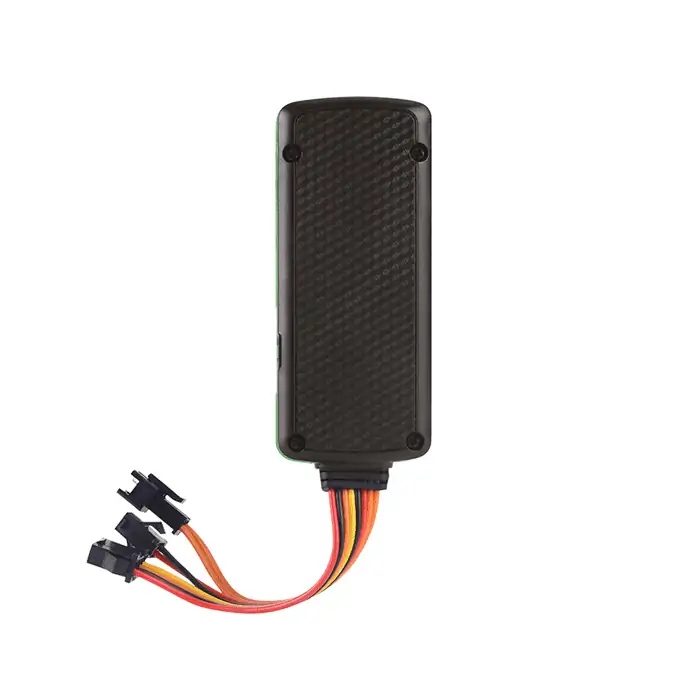
Installing Trackers on Freezers and Reefer Containers: A Practical Guide for Signal Reliability and Measurement Validity
This post complements the GPT29 Cold Chain White Paper.
Download the PDF: GPT29 Cold Chain Tracking for Freezers — Engineering & Compliance White Paper
Why freezers and reefers are different (metal shielding + thermal gradients)
Many tracking deployments fail when teams treat a freezer or reefer like a normal asset. Two physical realities change everything:
- Metal shielding can attenuate wireless signals, increasing retries and reducing location visibility.
- Thermal gradients exist inside cold spaces; a temperature sensor reading is only meaningful if the measurement point is defined and consistent.
Installation decisions directly affect battery mission success. For mission planning, read: Designing a 60+ Day Battery Mission for Freezer & Reefer Tracking.
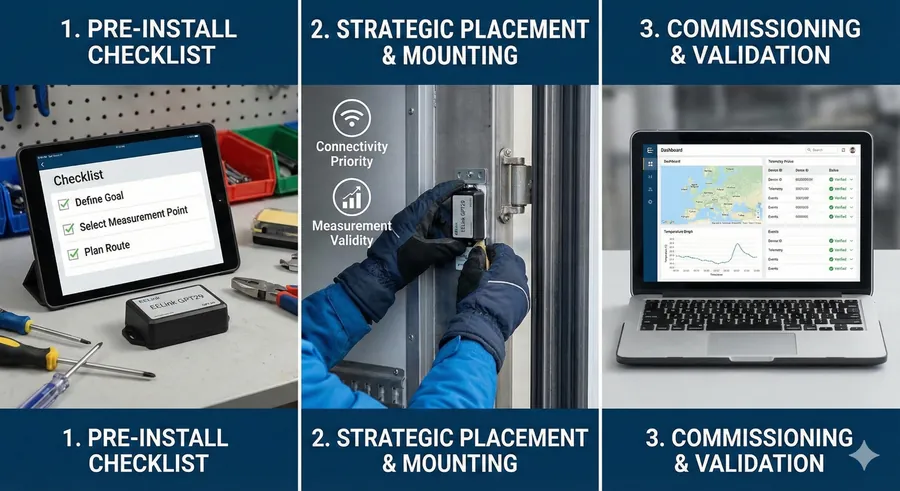
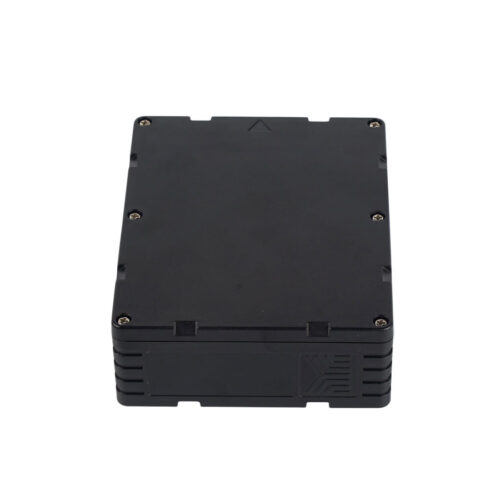
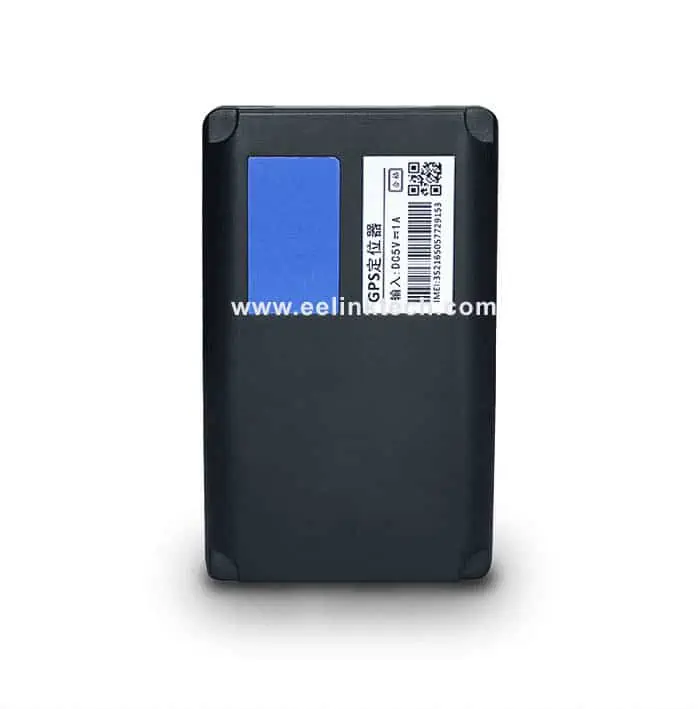
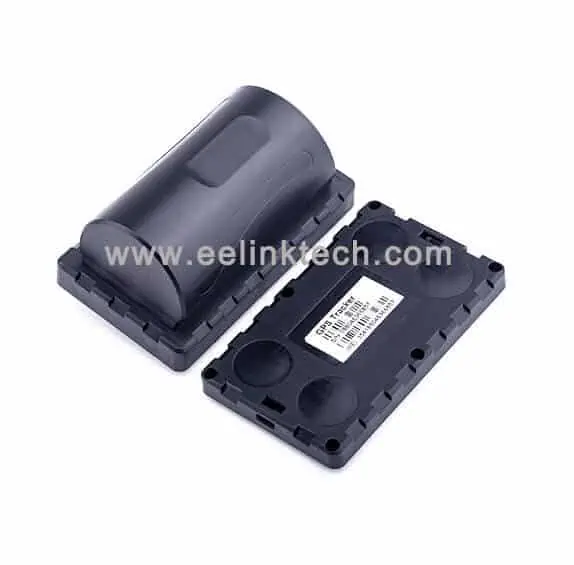
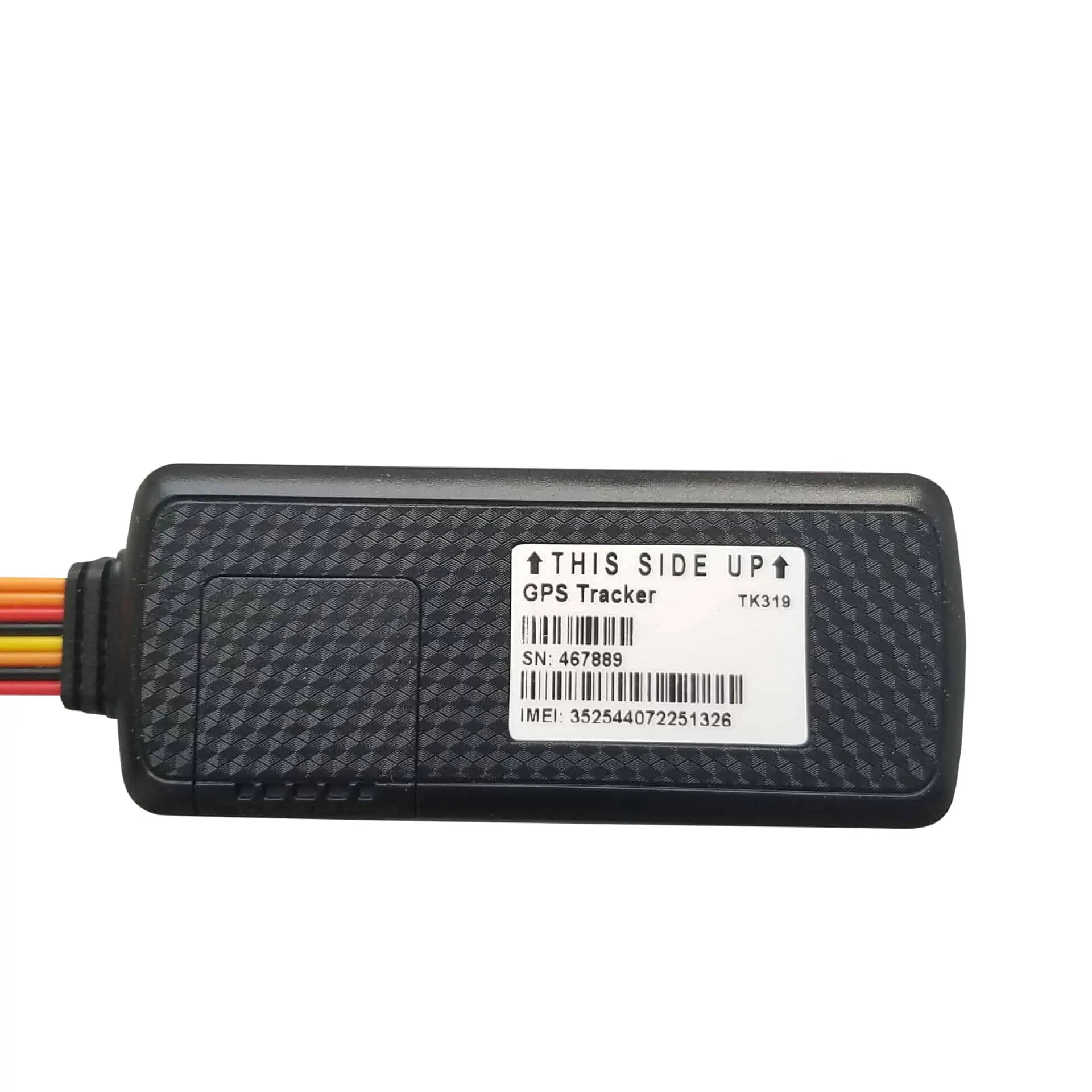
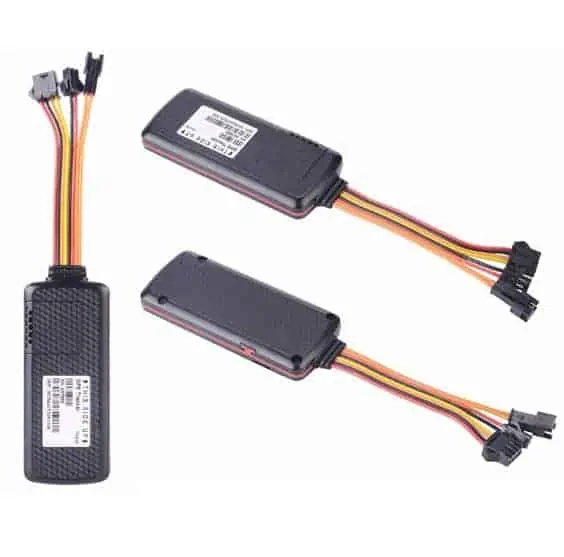
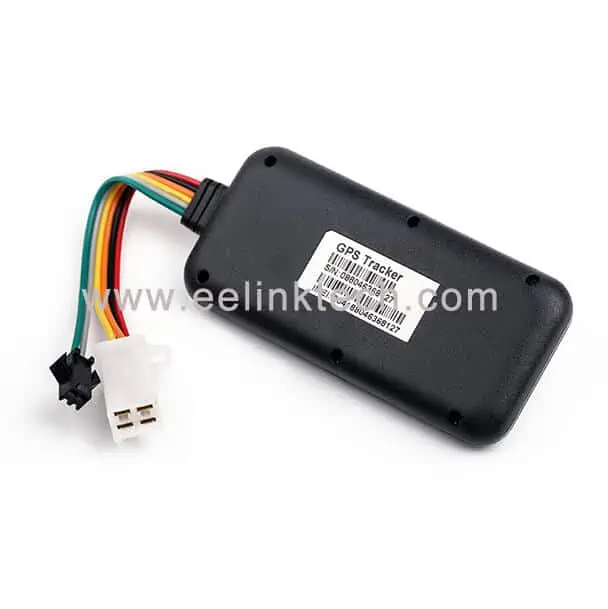
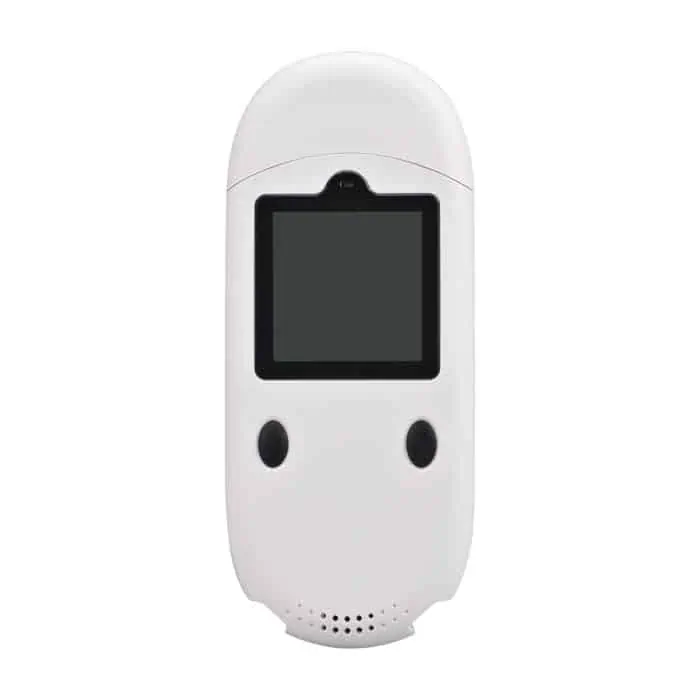
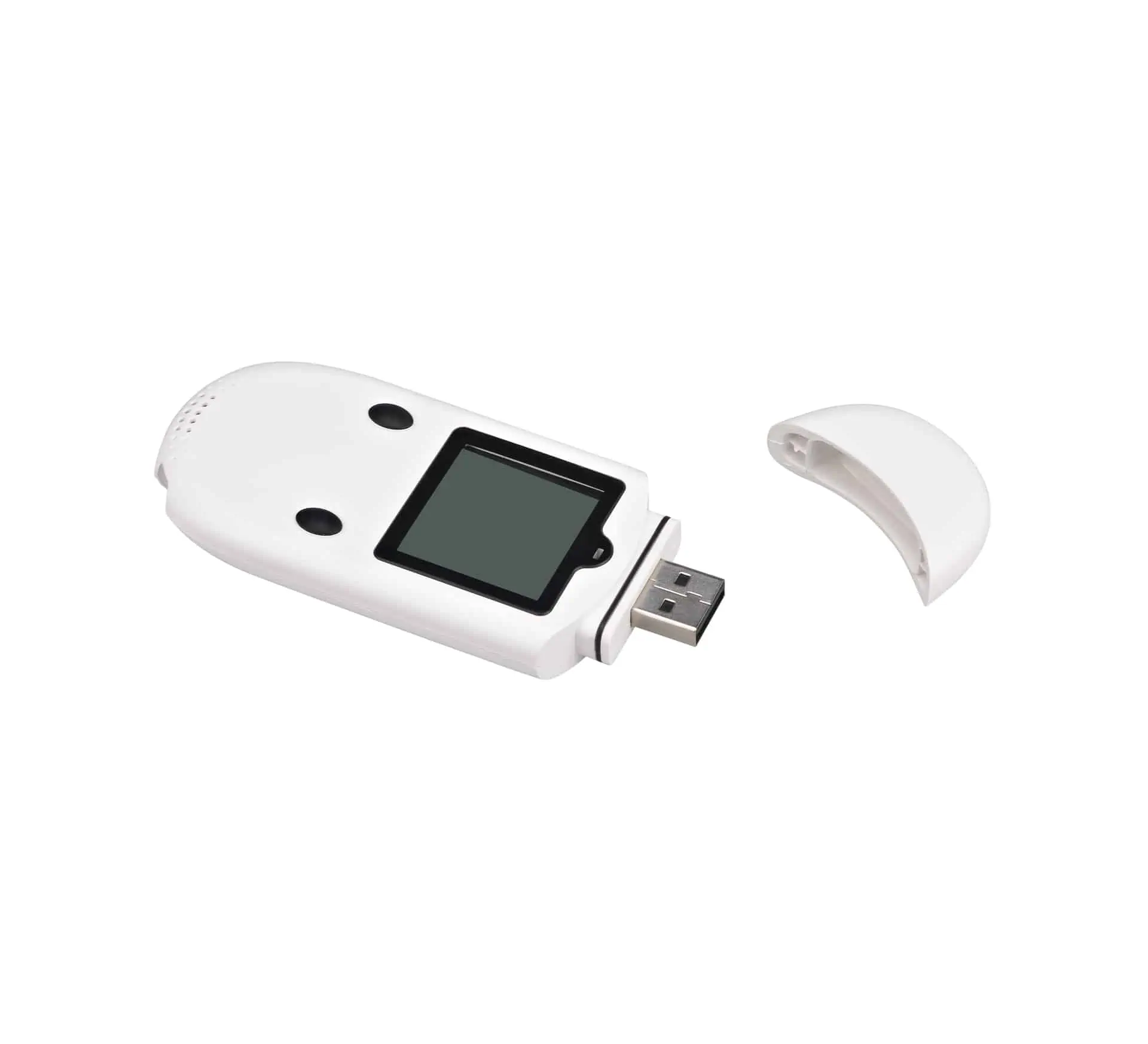
A structured installation SOP. Following these three steps—Checklist, Strategic Placement, and Commissioning—ensures a successful deployment on overseas routes
Pre-install checklist (do this before mounting anything)
- Define the monitoring goal: compliance recordkeeping, real-time exception response, claims evidence, or all three.
- Define the measurement point: “air temperature near door,” “product core proxy,” or “return-air area” (your SOP should specify this).
- Define event triggers: excursion thresholds/duration, exposure signals, shock severity bands.
- Review route connectivity assumptions: yard/port conditions, expected offline windows, and roaming constraints.
- Plan documentation: device ID, installation photos, and an asset mapping record for audits.
If you have not defined temperature excursions yet, start here: Temperature Excursions: Threshold + Duration + Evidence Fields.
Placement strategy: separate connectivity from measurement validity
In many cold chain deployments, the device body is placed for connectivity stability while the measurement point is chosen for thermal validity. In practical terms:
- Connectivity priority: place the tracker where it has the best chance of communicating (near openings, less shielded surfaces, or known “good” zones).
- Measurement priority: ensure the temperature measurement represents the defined monitoring point. If your program requires a specific measurement point, consider strategies that position the temperature sensing element accordingly.
The goal is an evidence stream that is both transmittable and interpretable.
Light exposure events: placement and threshold depend on the install
Light exposure events can support suspected door-open / exposure investigations, but the signal depends on placement. If the sensor is continuously exposed to ambient light, “light events” will be meaningless. If it is deep inside a dark enclosure, it may never see light even when the door opens.
Practical guidance:
- Place the sensor where door-open changes the light environment (often near seams or near the door area).
- Prevent accidental covering (labels/tape/insulation) that would cause false negatives.
- Use persistence rules (duration-based) to reduce false positives.
Deep dive: Using Light Exposure Events for Door-Open/Exposure Analysis.
Shock/vibration events: mounting influences the signal
Shock sensors measure acceleration at the device location. Loose mounting can cause amplified vibration noise; overly rigid mounting in certain zones can produce misleading spikes. Best practices include:
- Rigid, consistent mounting to reduce rattle-induced false events.
- Strain relief for any cables or attachments.
- Threshold tuning based on baseline handling patterns from your route.
Deep dive: Shock & Vibration Event Logging for Cold Chain.
Moisture, condensation, icing: plan for the environment
Cold chain environments are harsh. Condensation and icing can impact adhesives and sensor surfaces. Practical steps:
- Choose mounting methods appropriate for moisture and vibration (your SOP should specify acceptable methods).
- Avoid placement where water can pool or where ice buildup is expected.
- Protect the device from impact and abrasion during handling.
- Document cleaning/washdown procedures if assets are sanitized.
Commissioning checklist (the “first hour” steps that prevent weeks of pain)
After installation, perform a commissioning check to confirm your evidence stream is valid:
- Verify device identity: record device ID and asset association.
- Verify telemetry fields: temperature/humidity values are within expected ranges.
- Verify location behavior: confirm that positioning updates are present and plausible given the environment.
- Verify event triggers: run a controlled test (brief door open/exposure, controlled movement) if feasible.
- Verify reporting cadence: ensure baseline and exception mode behave as expected.
- Capture photos: installation position and surrounding context for later interpretation.
For data continuity, ensure buffering/resend logic is accounted for in your system: Data Integrity for International Cold Chain IoT.
Common failure modes and how to fix them
Problem: frequent offline periods and missing data
Likely causes: shielding, weak coverage, aggressive retry logic draining battery. Fix: improve placement for connectivity, enable buffering + controlled resends, and avoid ultra-frequent baseline reporting.
Problem: too many light exposure alerts
Likely causes: sensor constantly exposed, threshold too low, no persistence rule. Fix: adjust placement, raise threshold, add duration rule and severity bands.
Problem: shock events are noisy
Likely causes: loose mounting, rattle, threshold too low. Fix: improve mounting rigidity and tune severity bands during pilot.
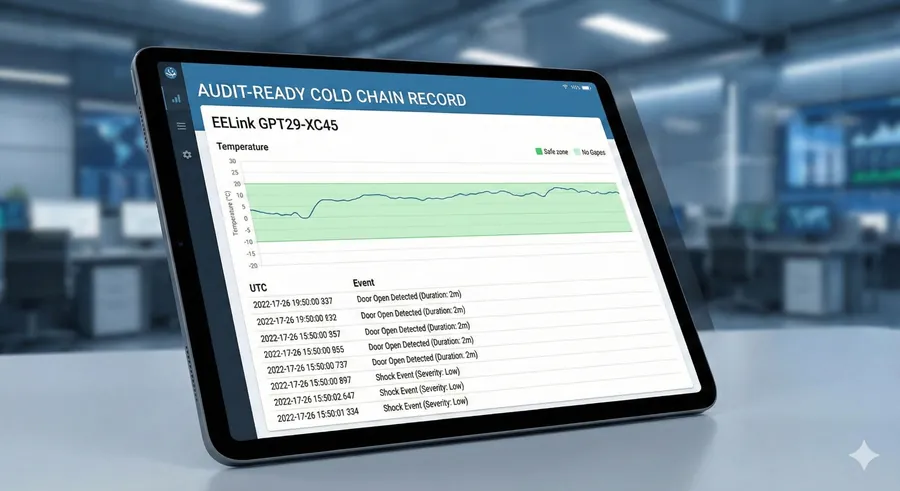
The desired outcome. A proper installation yields a clean, continuous evidence stream with precise event correlation, ready for audits or insurance claims.
Download the white paper
The GPT29 cold chain white paper provides a deeper methodology for installation patterns, reporting policies, and audit-ready event definitions—designed for overseas routes.
Download (PDF): GPT29 Cold Chain Tracking for Freezers — Engineering & Compliance White Paper
Contact: Contact Us or email [email protected].
FAQ
Should the tracker be installed inside or outside the freezer/reefer?
It depends on your connectivity needs and measurement requirements. Many deployments place the device where connectivity is stable and ensure the temperature measurement point matches the SOP-defined monitoring point.
What should we document for audit readiness?
At minimum: device ID, asset association, installation photos, configuration/policy version, and commissioning validation notes.